12 areas and 78 features

Everything an agency runs on, in one portal you own

getclientos.com publishes 12 areas and 78 features. Here they are grouped into the eight areas that actually decide a portal purchase — each with real screens from the product.

Sell, deliver and invoice from a portal on your own server. · Facts checked 29 October 2026 against getclientos.com/features.

01 · Store and checkout

A service store and checkout on your own domain

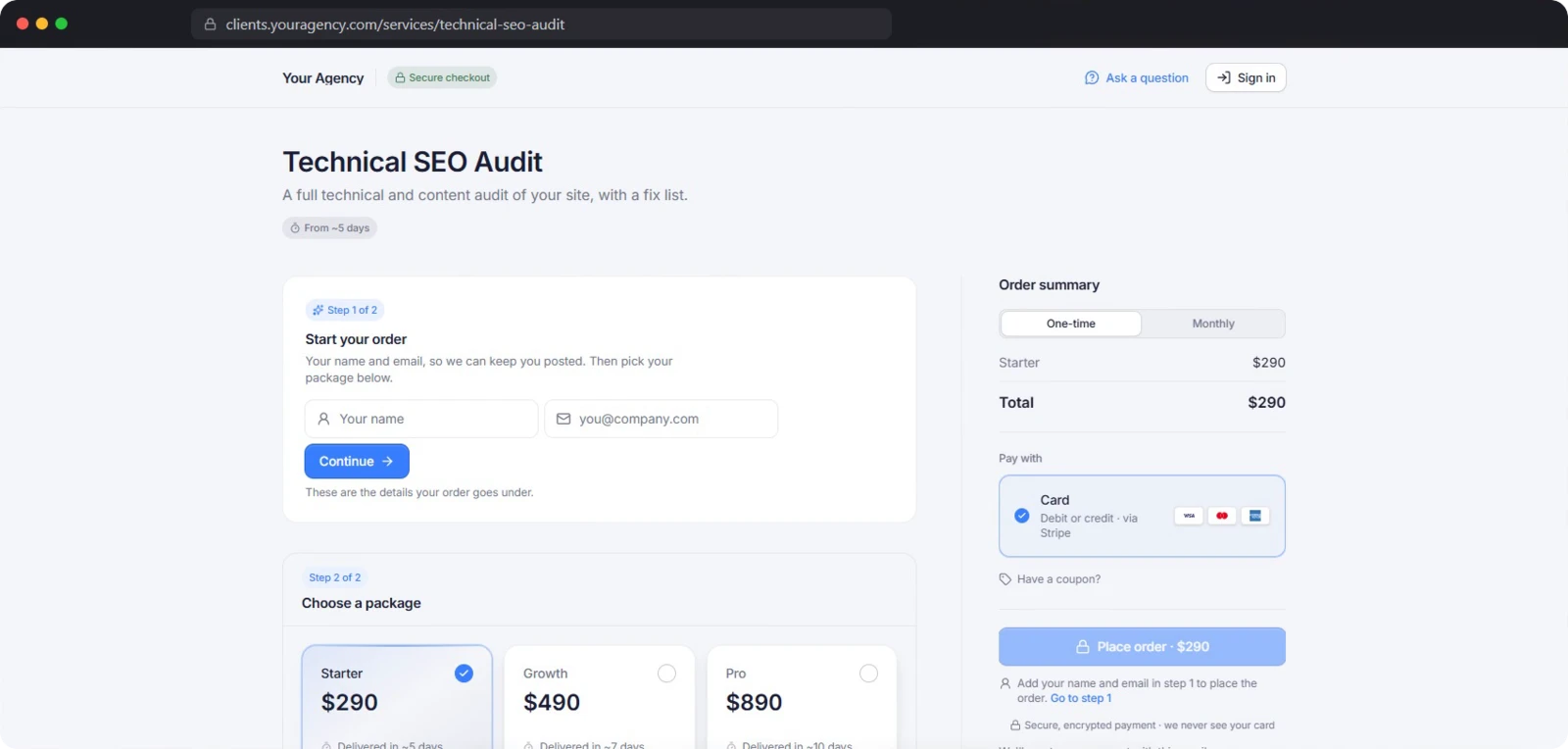
ClientOS gives every service you sell its own page on your domain, priced the way the work is actually scoped. The buyer picks a package, pays, and answers your brief — no sales call in the middle.

  • A sales page for every service
  • Five pricing models
  • The order exists only once payment is confirmed
  • Requirements collected straight after paying
Explore store and checkout
ClientOS — store and checkout
02 · Orders and delivery

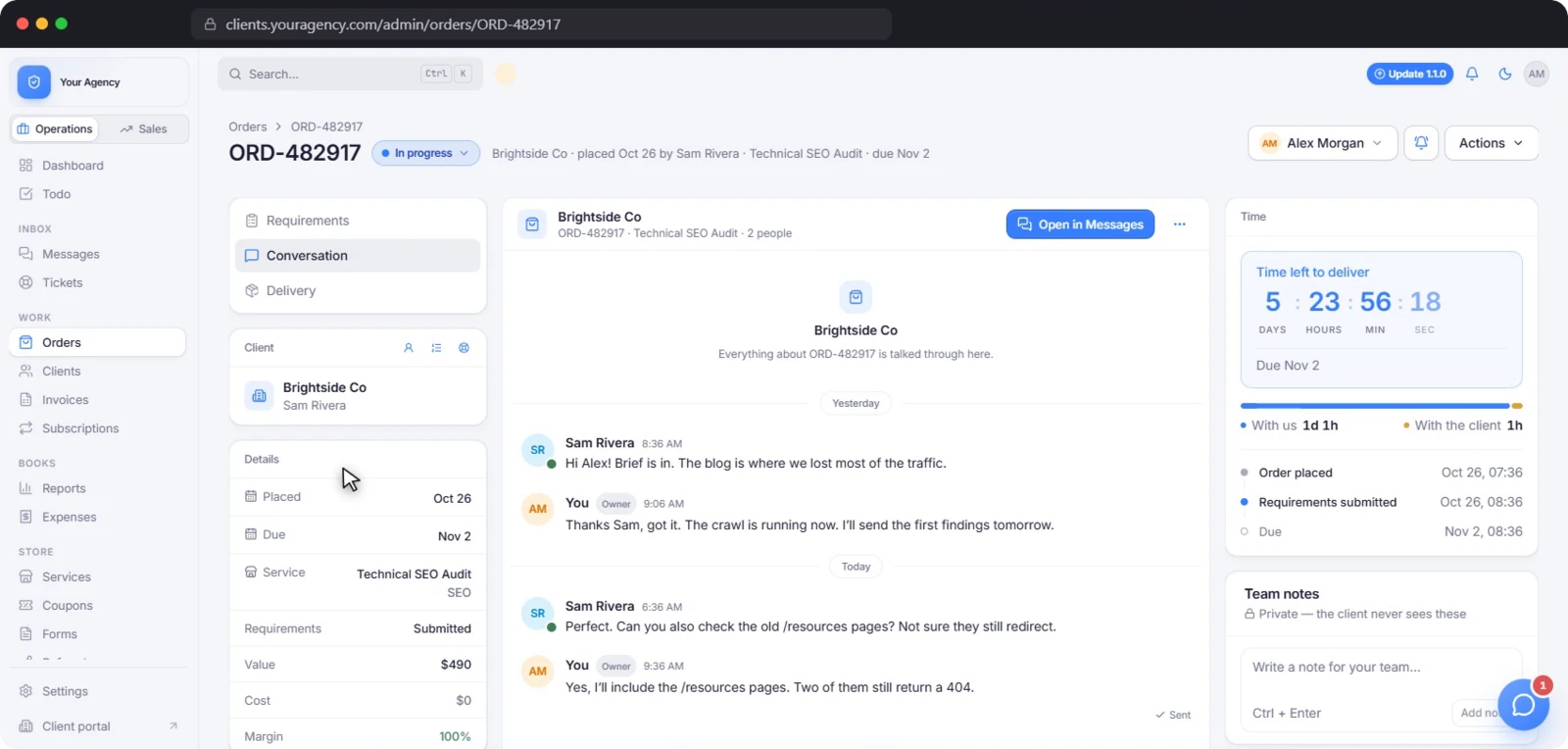
Orders your clients can follow, from brief to approval

An order in ClientOS carries the brief, the files, the conversation, the invoice and the margin. It always shows whose move it is, and it keeps moving when a client goes quiet.

  • Statuses the work moves, not a person
  • Delivery on a clock
  • Revisions, approvals and auto-approve
  • Chase every missing brief at once
Explore orders and delivery
ClientOS — orders and delivery
03 · Invoicing and finance

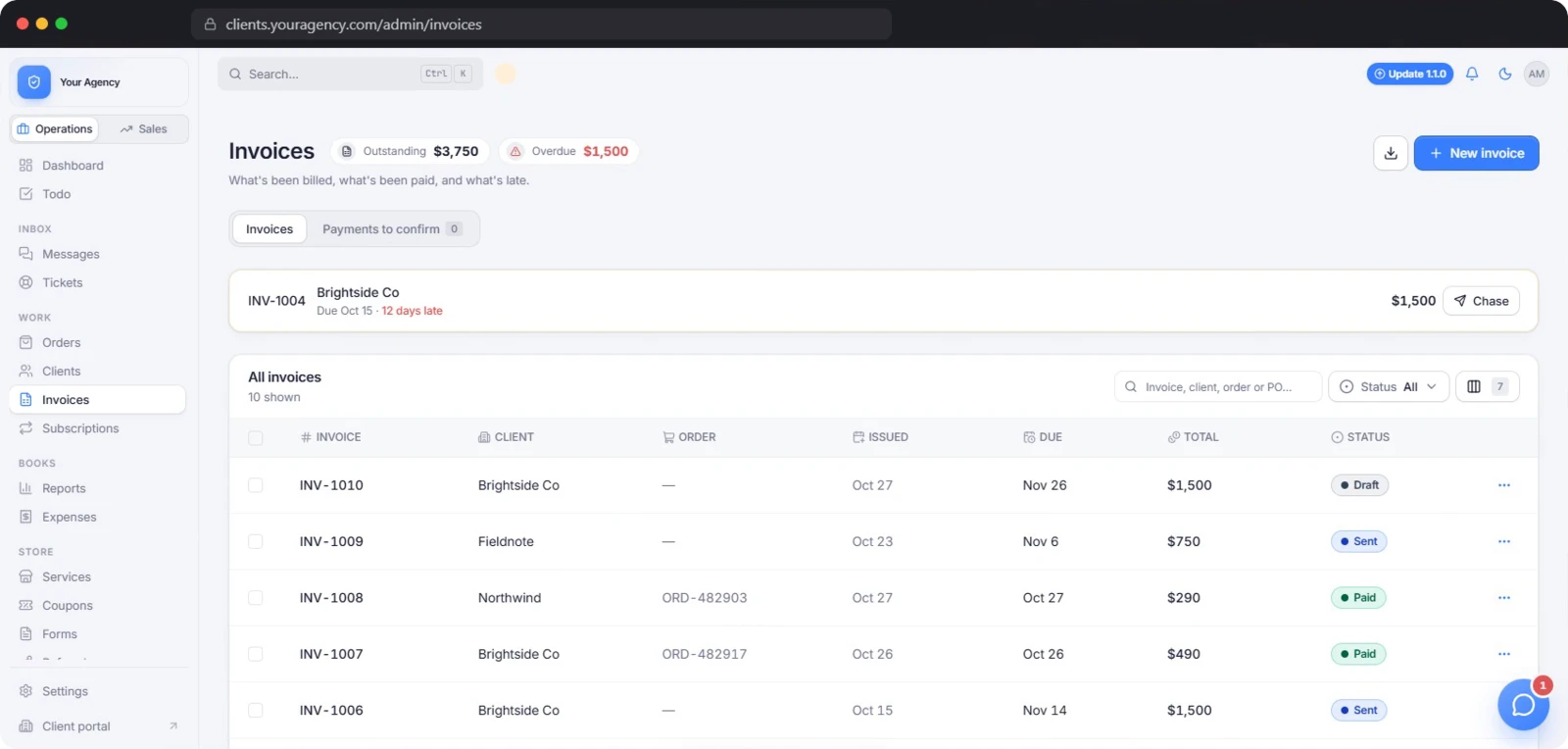
Invoices, subscriptions and a profit and loss that adds itself up

Invoicing in ClientOS settles itself off the payment that created the order, and the month adds up without a spreadsheet. Money goes straight to your own gateway accounts.

  • Numbering that reads in order
  • Pay links anyone can use
  • Partial payments, refunds and credit notes
  • Subscriptions that bill themselves
Explore invoicing and finance
ClientOS — invoicing and finance
04 · White-label

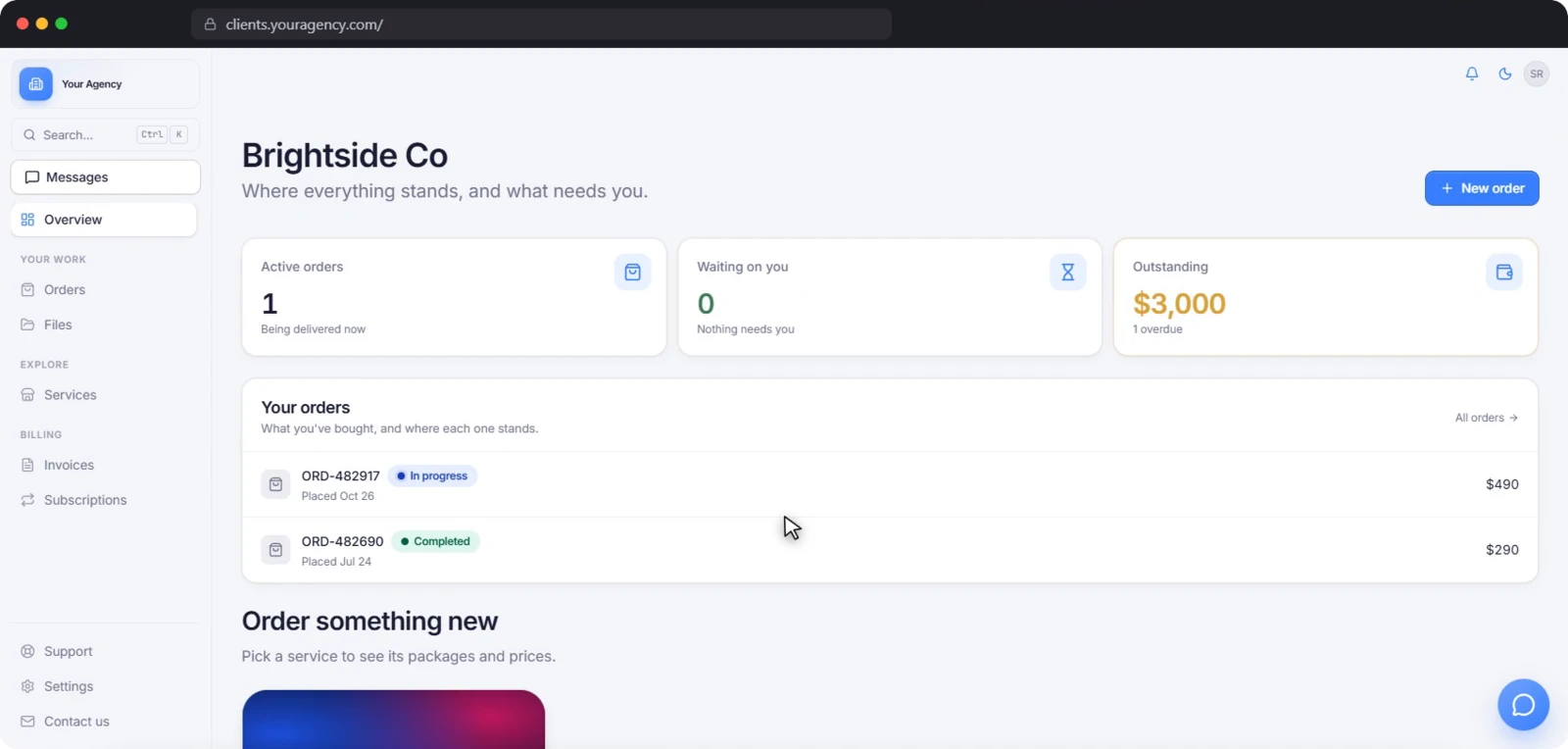
A white-label client portal your clients read as yours

White-label in ClientOS is not a badge you pay to remove. The portal runs on your own domain, in your own colours, with your words — and the ClientOS name appears nowhere a client can see.

  • Your own domain, on your own server
  • Two colours, repainted everywhere
  • Five logo slots
  • Rename the words clients read
Explore white-label
ClientOS — white-label
05 · Messages and help desk

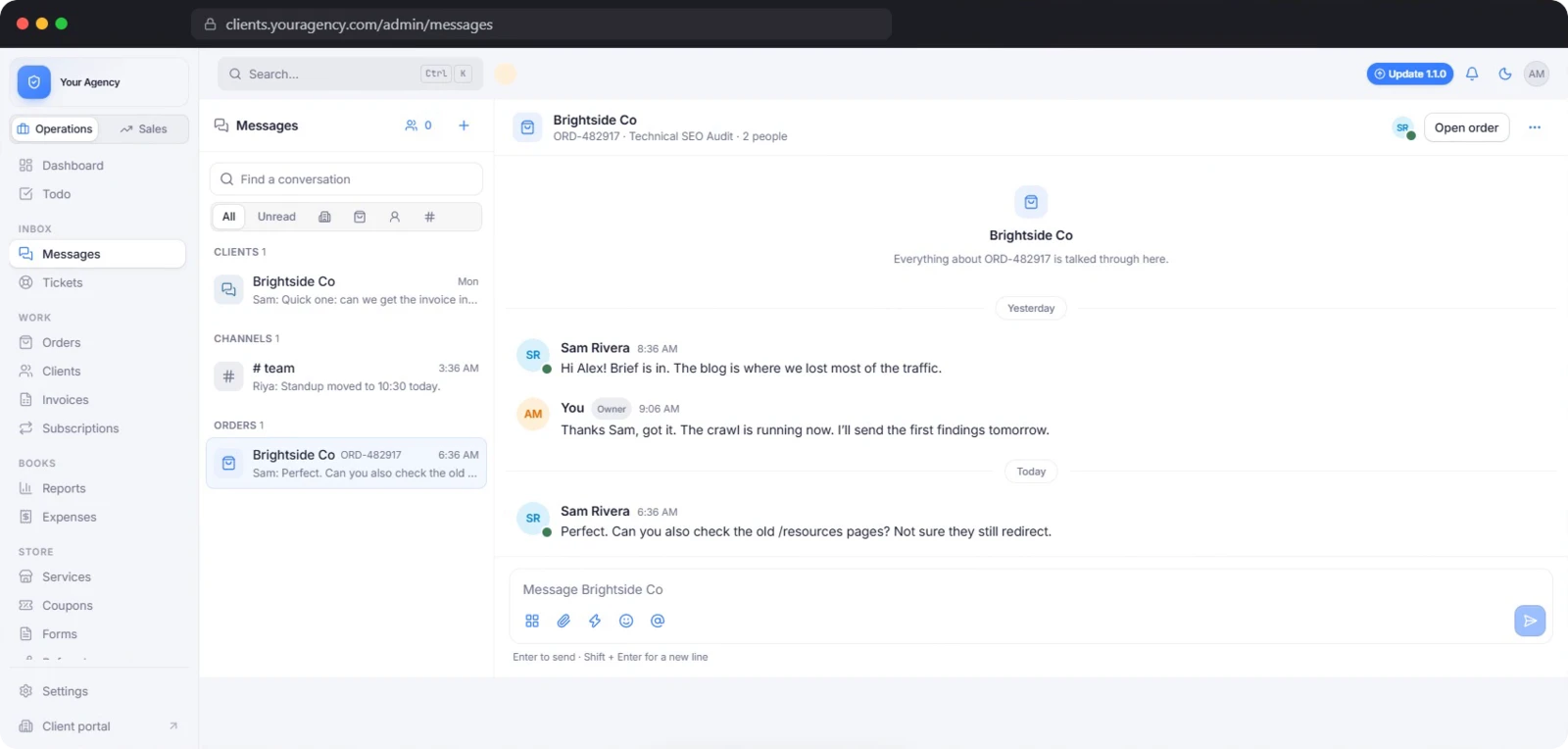
Conversations and a help desk next to the work

Client talk in ClientOS sits beside the order it is about. You can quote work in the thread and have it accepted and paid in one click, and support tickets live in the same portal.

  • One thread per client, one per order
  • Custom offers, accepted in the thread
  • Presence, typing and waiting reminders
  • Saved replies, mentions and reactions
Explore messages and help desk
ClientOS — messages and help desk
06 · Leads and growth

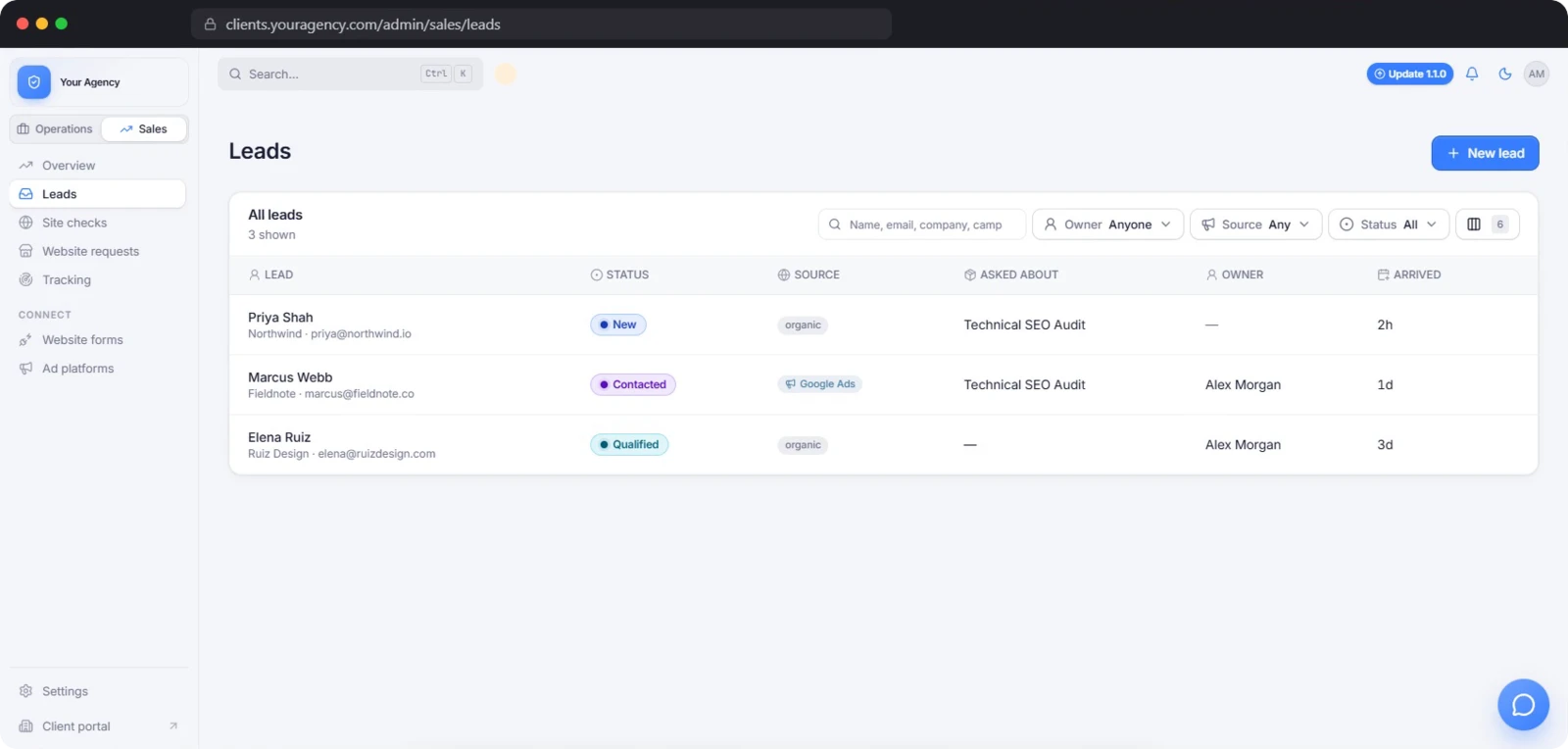
A lead pipeline, forms and tracking from first visit to paid

The growth side of ClientOS answers one question: where did the money come from? Leads carry their source, short links show the funnel to paid, and partners get paid for what they send.

  • A pipeline with the source of every lead
  • Your website’s forms send leads straight in
  • Follow-up emails that send themselves
  • Short links and a funnel to paid
Explore leads and growth
ClientOS — leads and growth
07 · Self-hosting

Self-hosting without the server headache

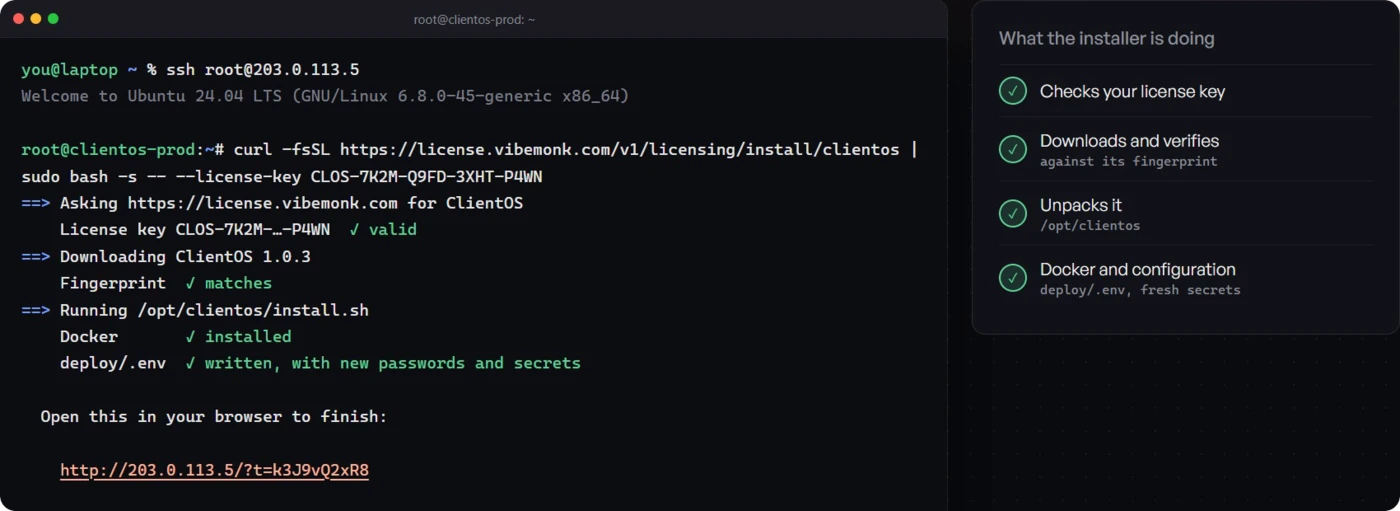
There are no Docker files to write, no environment variables to fill in and no proxy to configure. If you can paste a command into a terminal, you can run ClientOS.

  • One domain, one A record
  • One command installs everything
  • Finish in the browser
  • A modest server is enough
Explore self-hosting
ClientOS — self-hosting
08 · Security and data

Your clients’ data never touches someone else’s server

This is the reason to self-host. Every client, order, message, invoice and file lives in a database on a server you rent and control, and the only thing that leaves it is a licence check-in.

  • Three things leave your server, and that is all
  • Keys sealed with AES-256-GCM
  • A least-privilege database login
  • Private files behind expiring links
Explore security and data
ClientOS — security and data

By the numbers

The counts ClientOS publishes

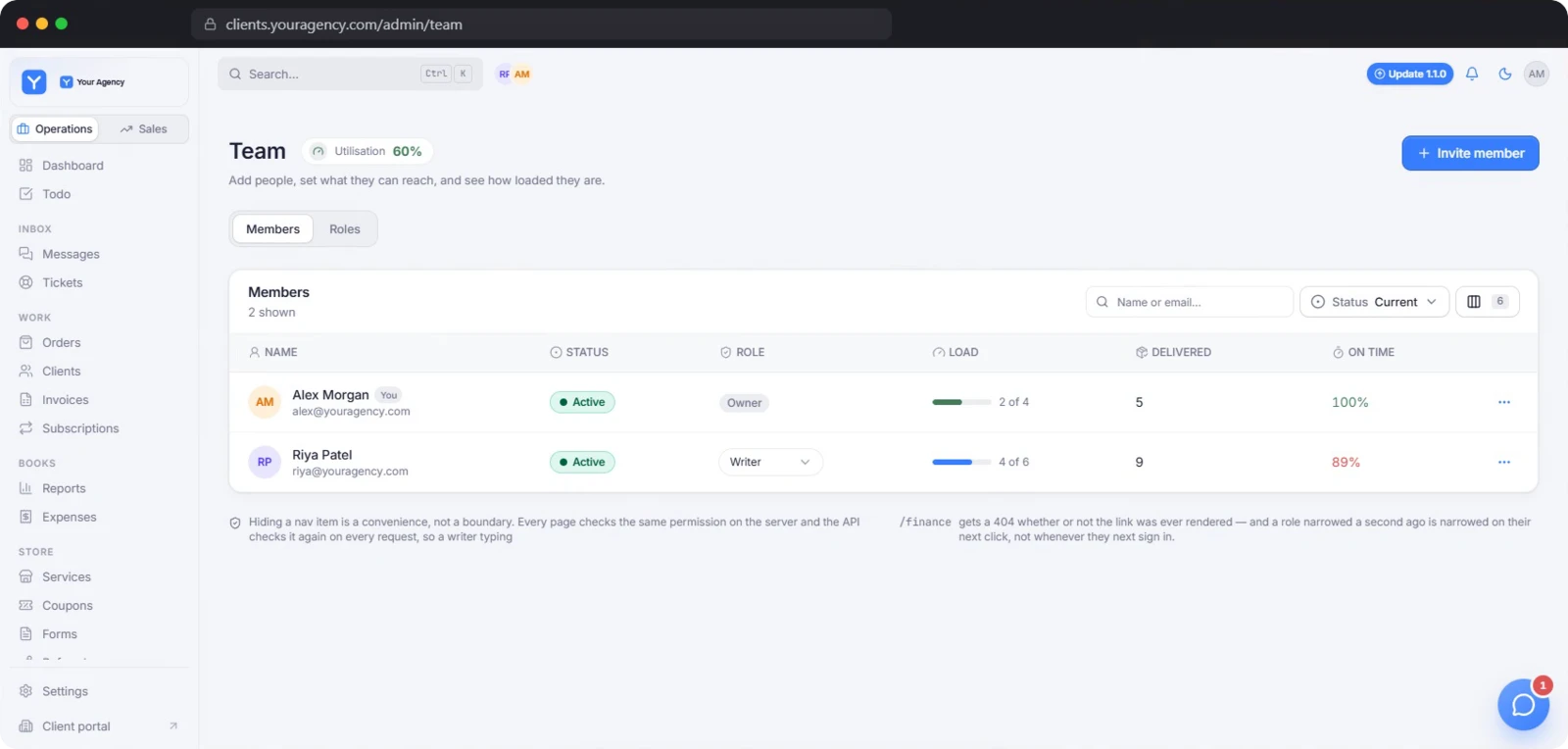
  • 122 staff permissions grouped into roles you build
  • 76 notification types in-app and email
  • 5 payment gateways plus manual crypto and credit
  • 21 currencies never silently converted
  • 17 form field types with rules and multi-page
  • 7 optional modules switch off what you do not use

Two of these are checkable in the docs and both add up: the 17 form field types break down into 5 client-profile, 9 project-data and 3 layout fields, and the 7 optional modules are the help desk, messages, coupons, subscriptions, forms, traffic tracking and the referral programme. Orders and clients are core and cannot be switched off.

Before you evaluate

What ClientOS is not

None of this is a criticism — it is what the vendor itself states, or does not state, and all of it is easier to find out now than after you buy.

  • Not open source ClientOS ships as ready-built, SHA-256-verified Docker images with a one-command installer. The source code is not provided; custom work is quoted.
  • Not multilingual The interface is in English. You can rename the words your clients read — menu labels and headings — but there is no second interface language.
  • Not managed hosting You own the VPS, and nothing runs your backups until you schedule them. On Premium and Custom the team installs it for you, but the server stays yours.
  • No published API reference The API runs on your own domain at /v1 as part of the product, but no public API documentation is published.
  • No trial of the licence The demo is read-only, loaded with sample data and lasts 3 days; the product itself is a purchase.

See it working before you decide anything

The instant demo emails you a login to a live ClientOS — the full agency admin and client portal with sample data. Read-only, so you can click anything. Your login works for 3 days. No call, no card.